
Veyra
AI Assistant for Live Meetings
A macOS desktop assistant that listens to a meeting, decides whether what was just said is worth answering, and puts an answer on screen while you are still talking. Capture, transcription, understanding, embeddings and retrieval all run on the machine. The only thing that leaves is the question and the context you chose to give it.
Where the Work Happens
As much as possible stays on your Mac. What leaves is the question and the context you chose to give it, sent to the provider you picked — a single wire out, and that is the whole argument.
Audio capture
System audio and microphone, echo-cancelled on device.
Speech to text
A two-pass local model. Your voice never leaves the Mac.
Understanding
A local model decides whether a turn is worth answering.
Embeddings
Your documents are turned into vectors locally.
Retrieval
A local vector database. 18 ms p95, measured.
Everything else
Workspaces, briefings, profile, reports, settings.
Exactly three operations leave the machine. Everything else in the list beside this one never does.
- Generating the answer
- Synthesising a briefing
- Generating your profile
The API key lives in the macOS Keychain and is read only by the part of Veyra that talks to the provider. No IPC channel in the app can return it — structural, not a policy.
Your cost is whatever your provider and model charge. Point Veyra at a model running on your own machine and there is no bill at all.
A Desktop App Built Around One Constraint
A meeting does not wait. Everything in Veyra's architecture follows from a two-second budget — end of speech to first readable word — so the expensive, network-bound step is reduced to exactly one: generating the answer. Everything that can run locally does, because a round trip you don't make is the only latency you can be certain of.
App & Interface
Electron, React 19, TypeScript (strict), Tailwind CSS v4, a floating always-on-top overlay window, three global shortcuts
On-Device Pipeline
Two-pass local speech-to-text, a local understanding model, local embeddings, LanceDB vector store, macOS Keychain custody
What It Actually Does
- 01Answers Mid-Sentence: The overlay classifies a turn, retrieves context and streams an answer without you touching anything.
- 02Knows Your Background: A profile built from your CV and notes sits behind every answer, in chat and in a live meeting.
- 03Walks In Prepared: Briefings gather the agenda, documents and conversations a specific call needs, indexed before it starts.
- 04Keeps Rooms Separate: Workspaces isolate knowledge completely. There is no cross-workspace retrieval, ever.
How It Works
The Overlay, Listening
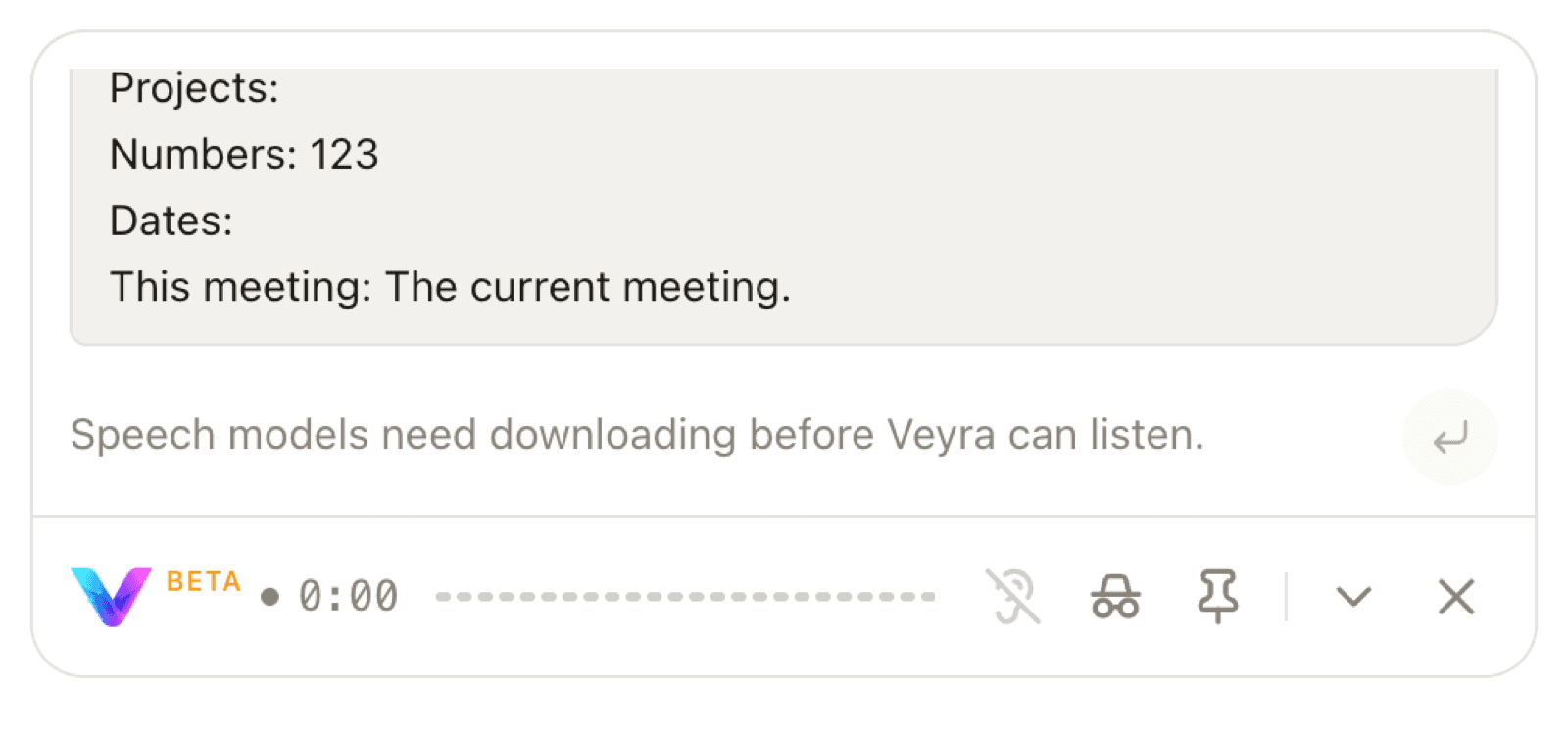
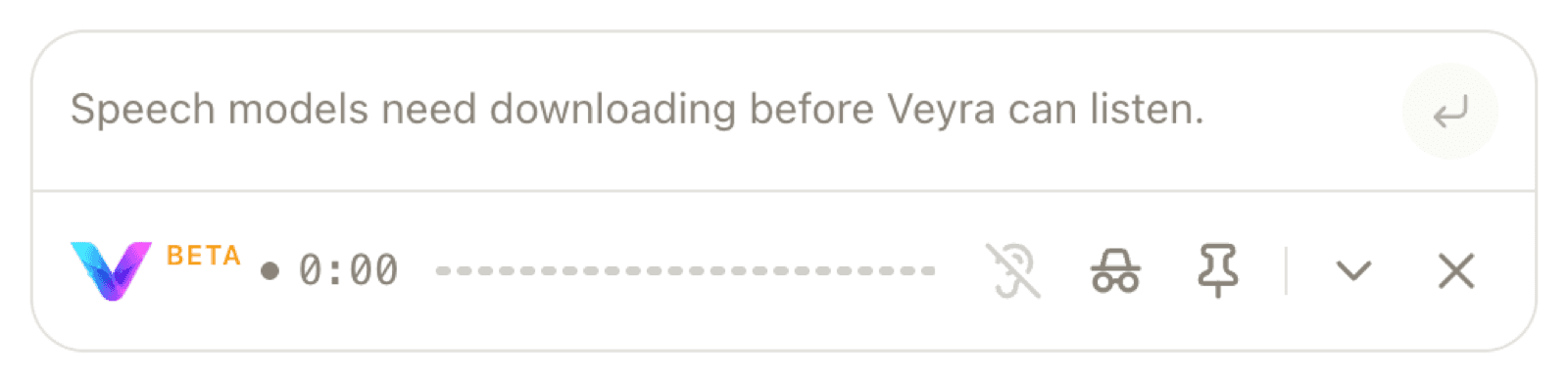
A floating panel that sits above whatever meeting app you already use. It drags anywhere and remembers its position per display. The composer placeholder doubles as a status line — here it is reporting, truthfully, that speech models still need downloading before it can listen.
Classifying a Turn
The moment a question lands, a local model decides whether it is worth answering. Backchannels — 'mm-hmm', 'right', 'go on' — are never answered at any sensitivity. This decision happens on-device precisely because a network round trip here would spend the entire latency budget.
The Answer Streams
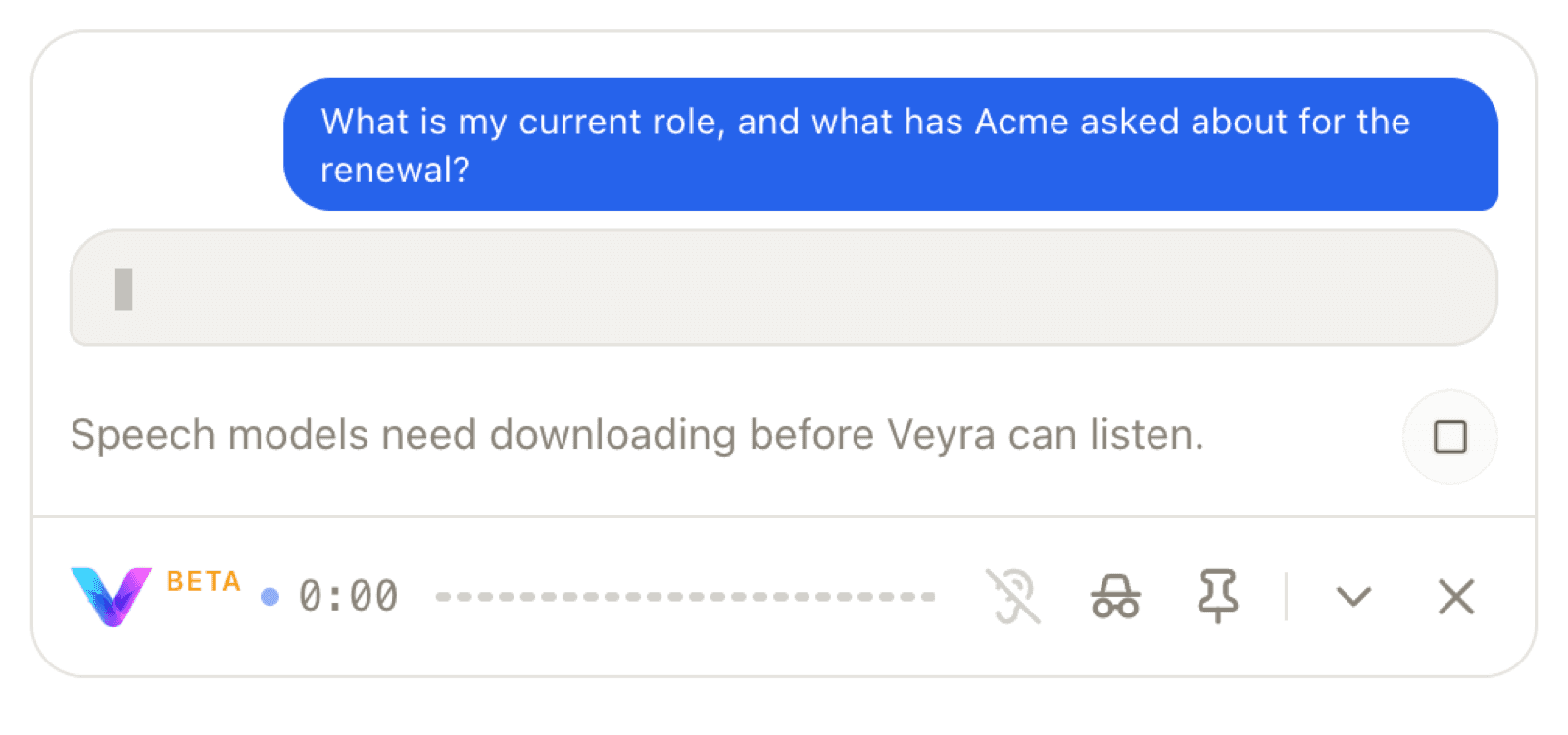
Retrieval returns context from the local vector store, and the answer streams in from the provider you configured. This capture is real output from a 1B local model — small enough that its prose is rough, which is exactly why the screenshot is shown as-is rather than restaged.
Two Orthogonal Controls
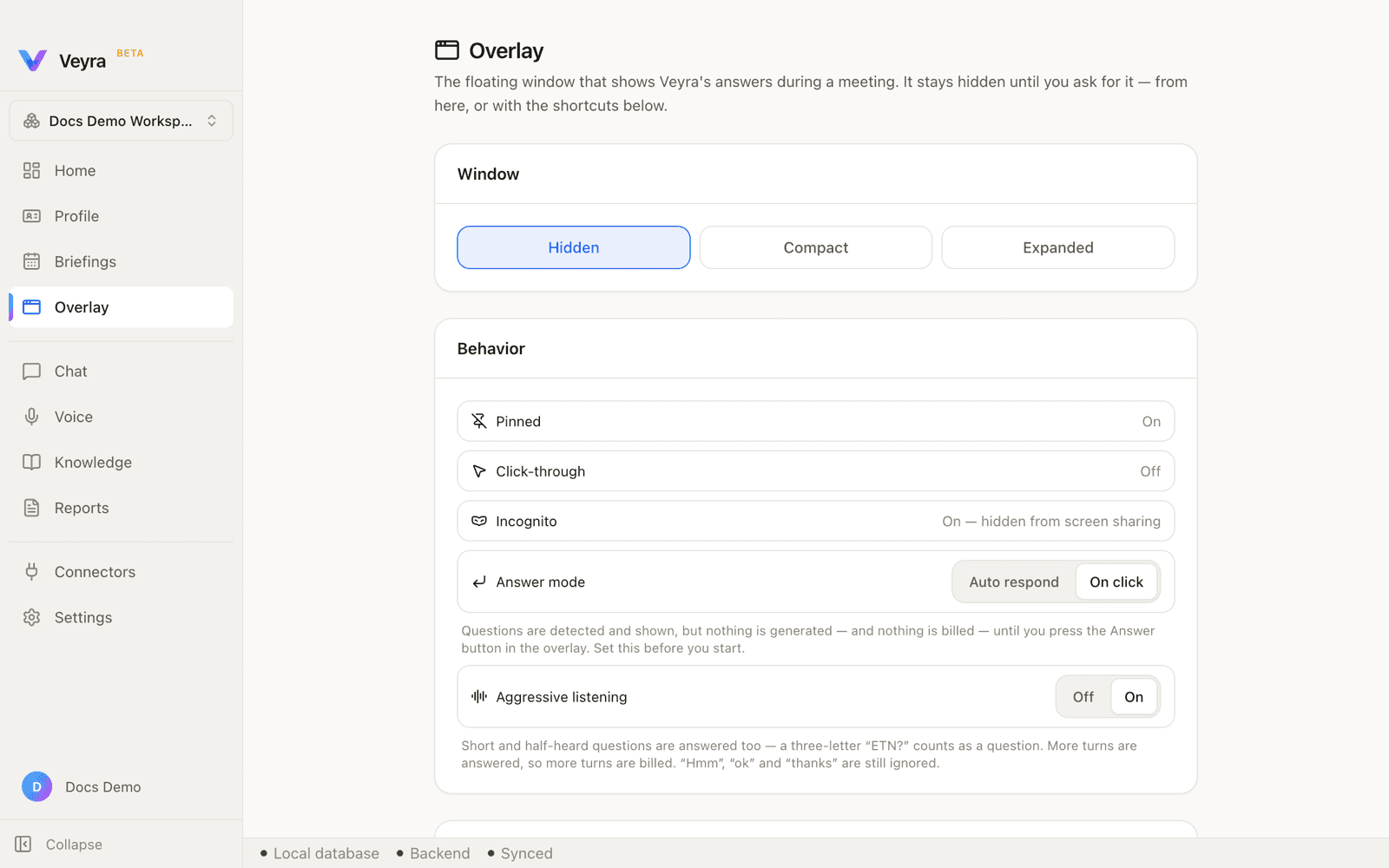
Response mode decides when an answer is paid for; sensitivity decides what counts as worth answering. Aggressive never overrides On click. These are deliberately two settings rather than one three-way switch, because 'listen to everything, but say nothing until I ask' is a real state that a single control cannot express.
The Profile Behind Every Answer
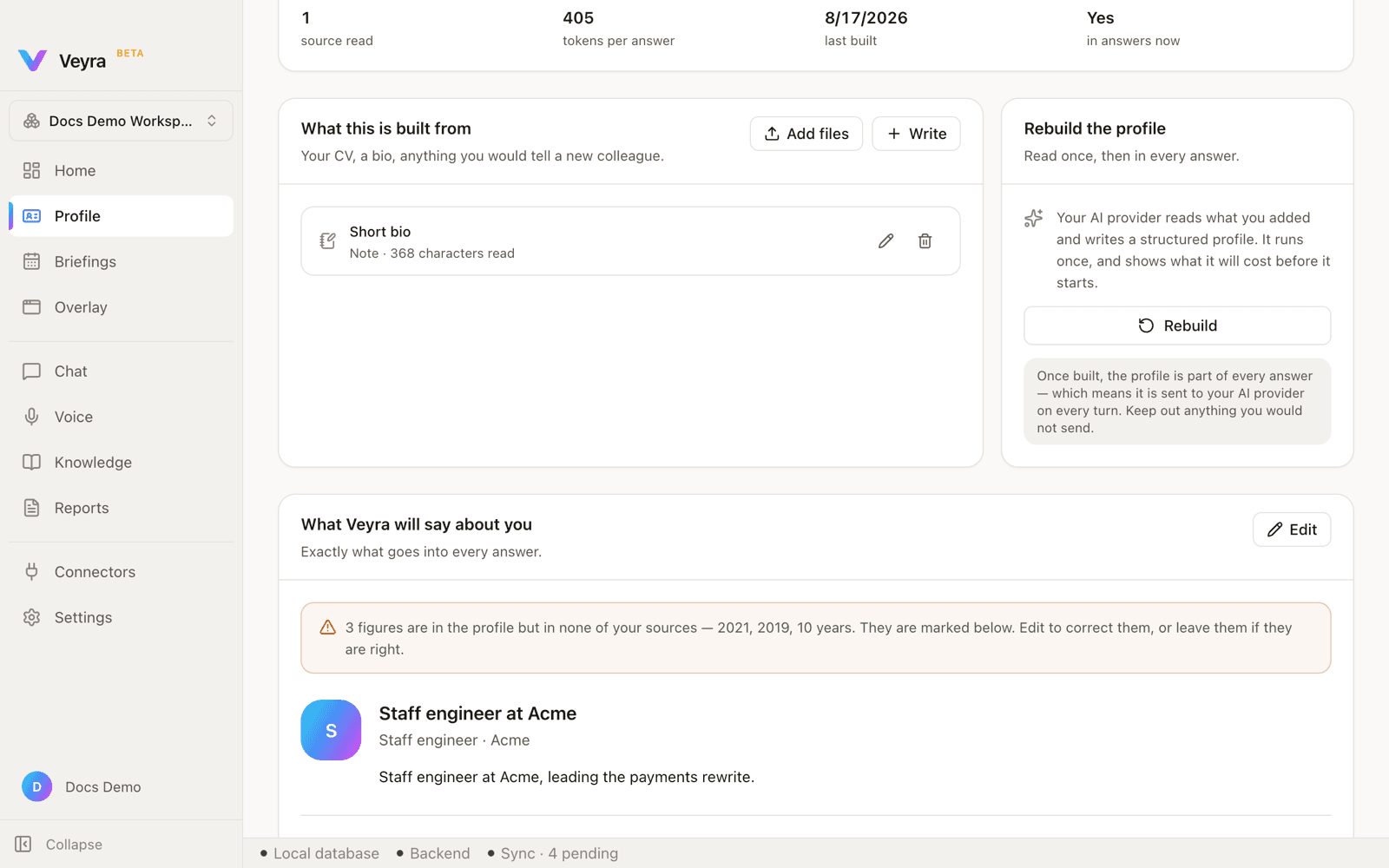
Built from your CV and notes, and used automatically — you never switch it on. The build step shows the real token estimate before it runs. Veyra also fact-checks its own output: this capture caught the local model inventing three figures that appeared in no source, and flagged them rather than presenting them silently.
Briefings for a Specific Call
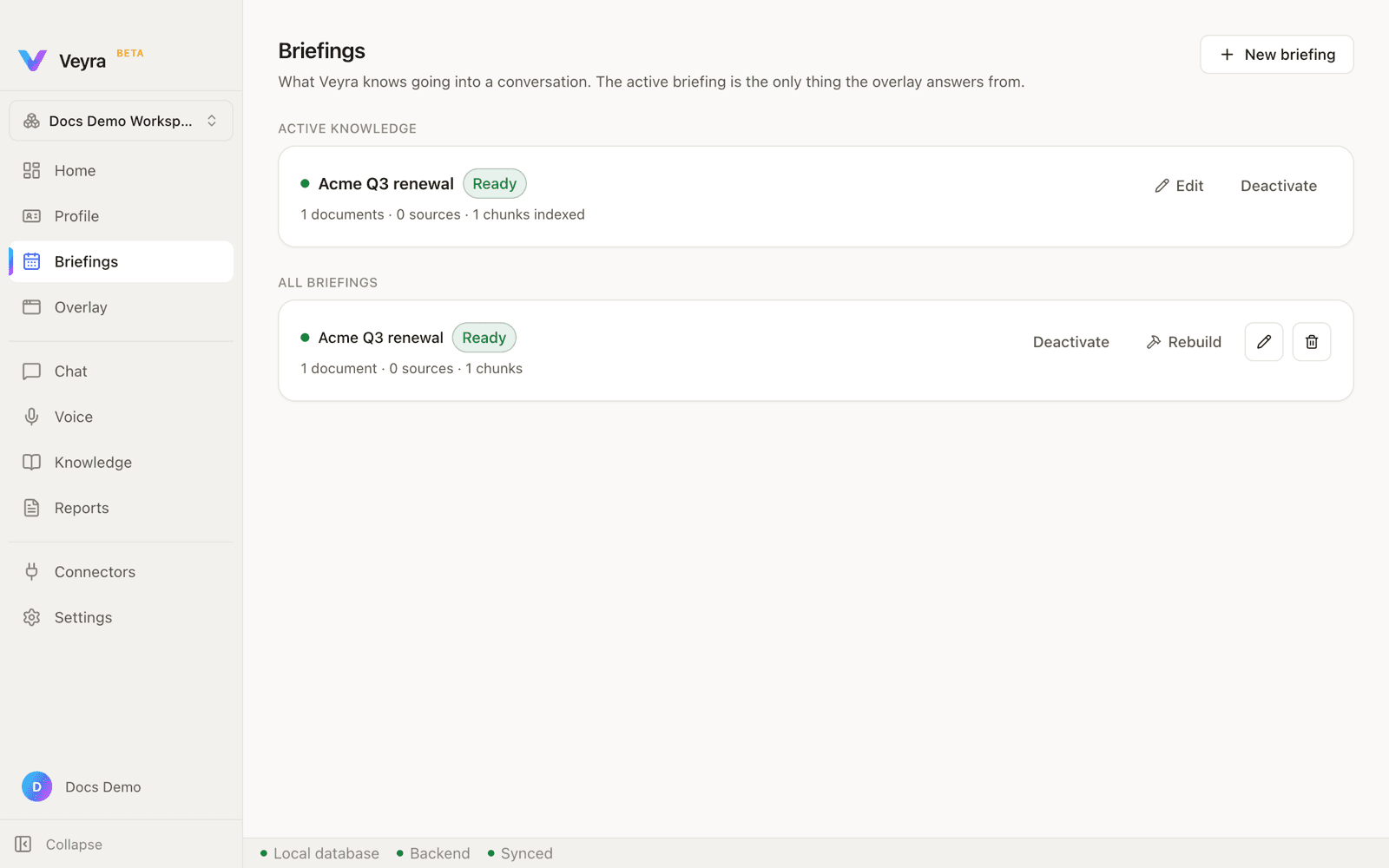
An agenda, the documents that matter, and optionally a connected conversation — Google Calendar and Gmail share one Google sign-in, Slack is separate, all read-only. What a connector brings in is used for that meeting and disposed when it ends. It is never added to permanent knowledge.
Knowledge, Indexed Locally
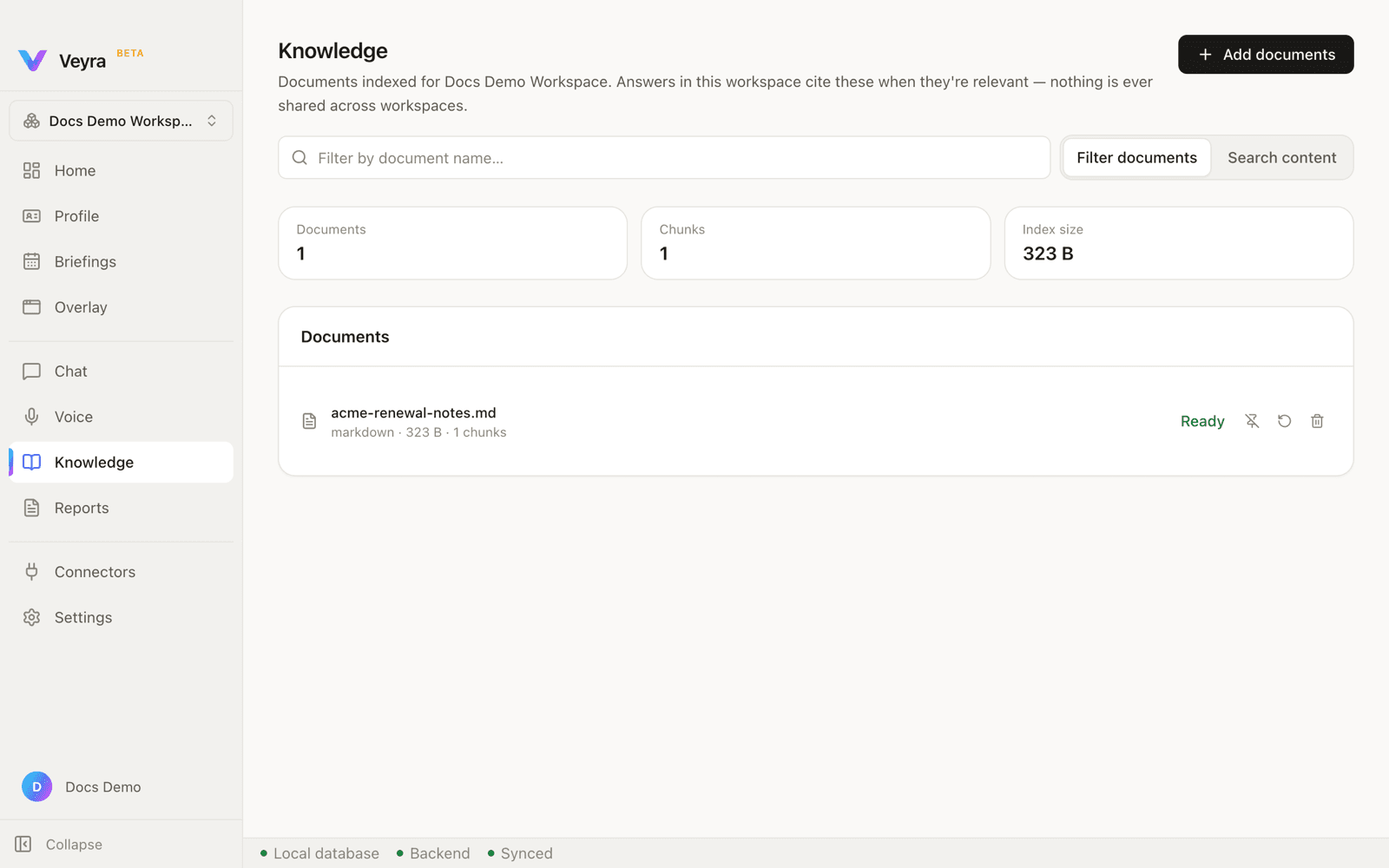
Documents are embedded on-device and stored in a local vector database. The index reports its own size and chunk count, and a document row expands inline to show exactly which text a chunk holds — retrieval you can audit rather than trust.
Workspaces Don't Leak
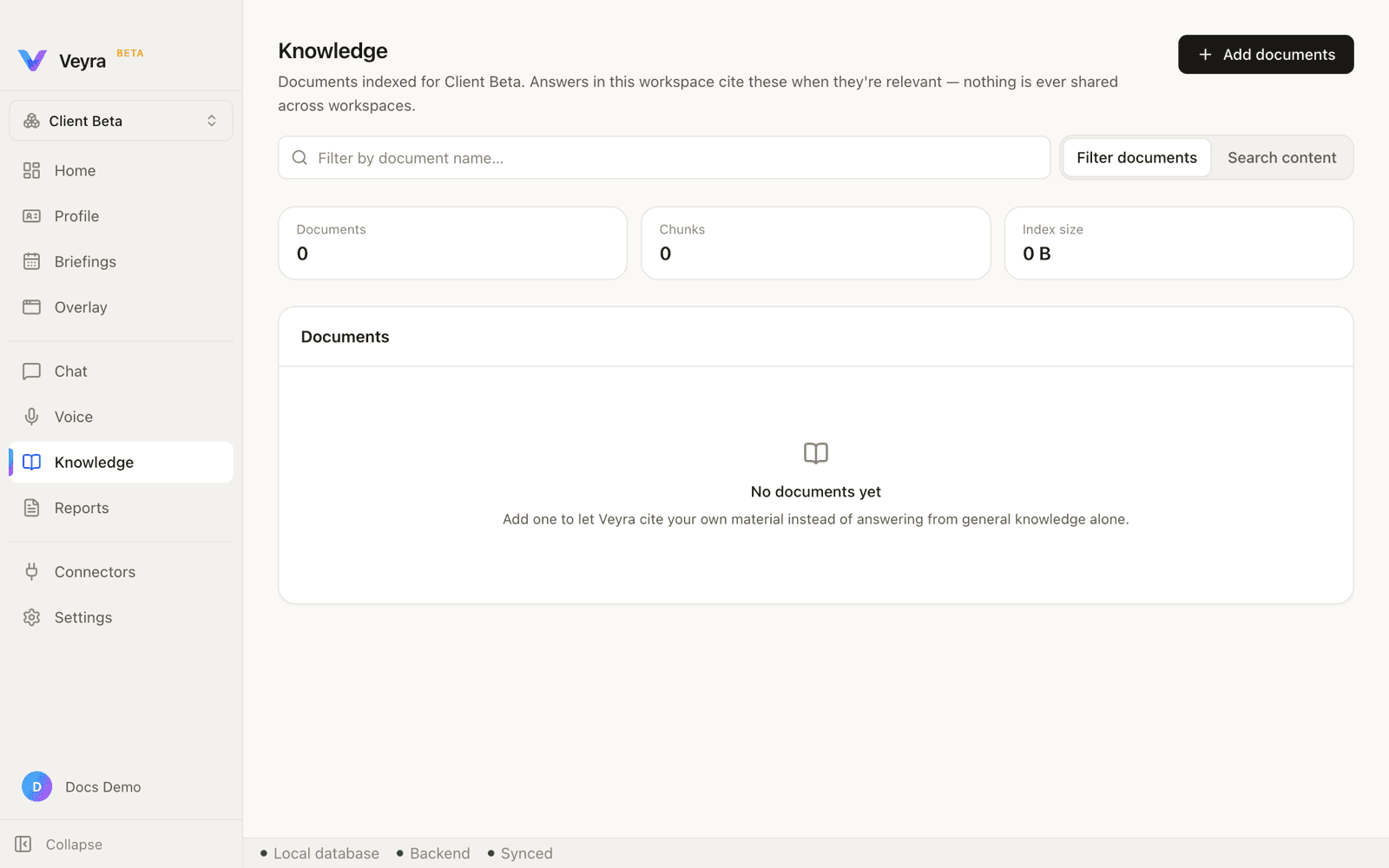
The same Knowledge page, switched to a second workspace: zero documents, zero chunks, zero bytes indexed. A document added in one workspace is not merely hidden in another — it is unreachable. This is the isolation guarantee demonstrated rather than asserted.
Any OpenAI-Compatible Endpoint
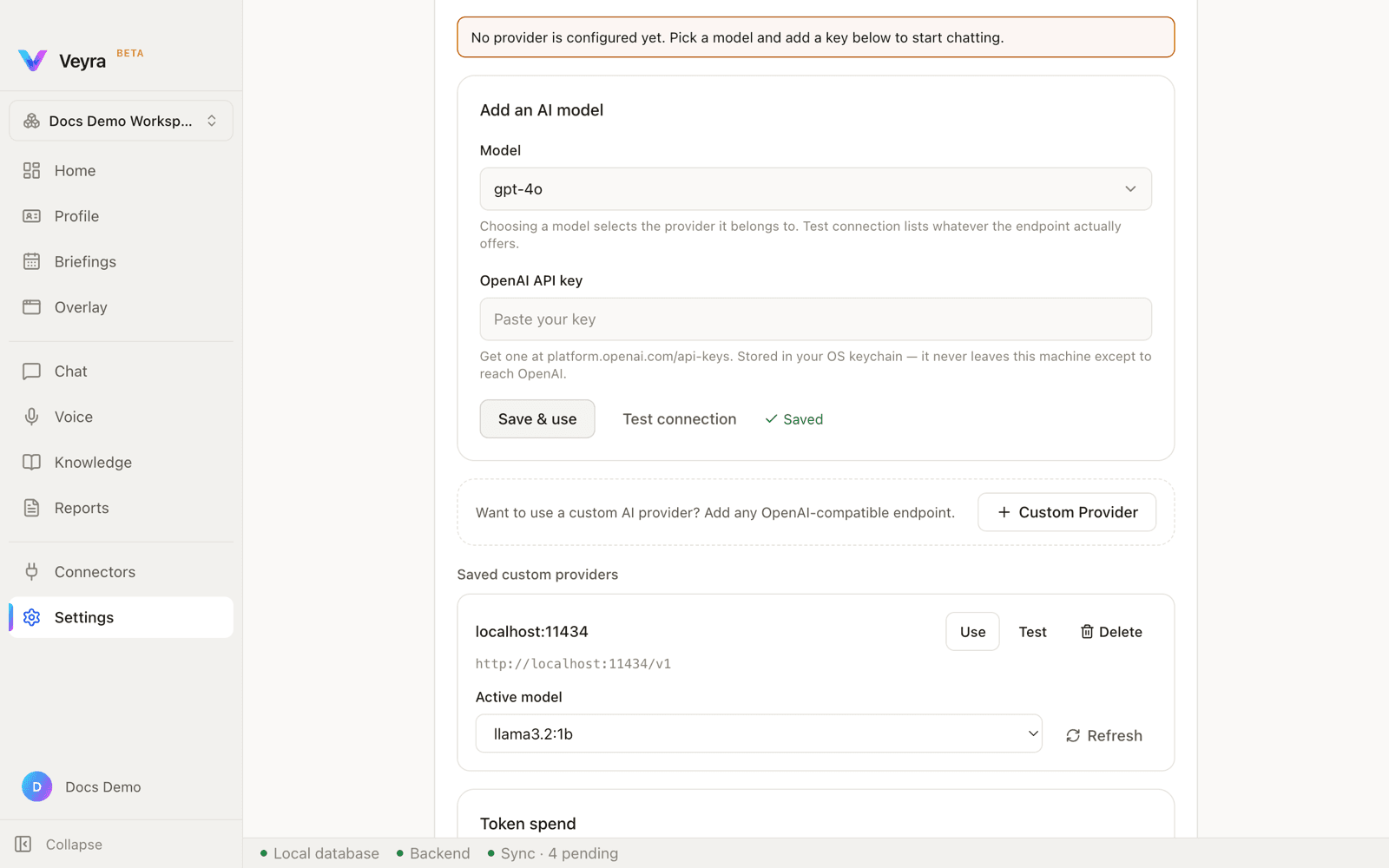
OpenAI, OpenRouter and Gemini ship as presets, but the provider layer speaks a protocol rather than a vendor. Adding Ollama, LM Studio or vLLM is a base URL and a model name — never new code. Leave the model blank and Veyra asks the endpoint what it offers.
Beyond the Overlay
The overlay is what you see during a meeting. Everything that makes it useful is configured, indexed and audited here.
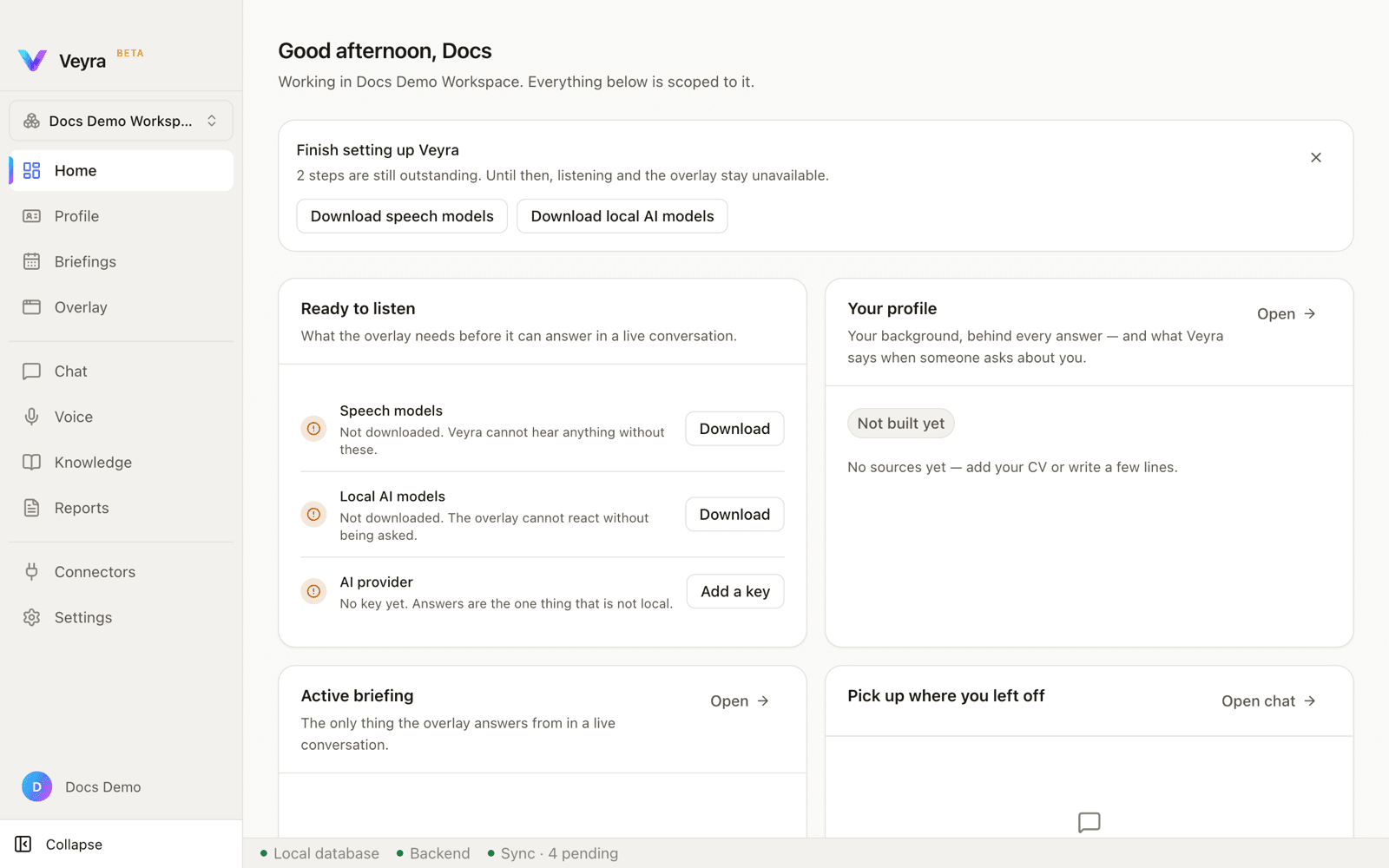
Home
A time-of-day greeting, the active workspace, and an honest account of what is not ready yet.
- A 'Ready to listen' card tracks speech models, local AI models and the AI provider, each with its own action.
- Profile, active briefing and recent chat surface as entry points rather than buried navigation.
- A persistent status bar reports the local database, the backend, and a live count of pending sync items.
Chat
Everything the overlay knows is reachable in a normal conversation — grounded in the profile and the indexed documents.
- Answers stream token by token with a Stop control, exactly as they do in the overlay.
- Responses draw on both the generated profile and the local knowledge index.
- Citations render only for content the answer actually references by marker — never fabricated to look rigorous.
Voice
The page tells you what it needs and what it costs in disk space before you commit to anything.
- Model requirements shown as real sizes and item counts, not a progress bar with no context.
- An optional accuracy pack lists each additional model and its download size individually.
- Voice enrolment is offered for better attribution, and is entirely optional.
Connectors
Google Calendar and Gmail share a single Google grant; Slack is separate. All read-only.
- Per-workspace enablement, so a connector authorised once is not automatically live everywhere.
- Connector data is scoped to a meeting and disposed at the end of it.
- Shown here in its true default state on a server with no OAuth app configured — not a staged mock.
The Two-Second Budget
The hard problem was never generating an answer — it was deciding, fast enough to matter, whether an answer was wanted at all. Veyra runs a local model over every turn to classify it before a single token is paid for, which means the cheap decision happens on-device in the gap where a network call would have cost the whole budget. Retrieval sits behind that at 18 ms p95, measured against the local vector store. The two-second target is what the system is designed for; it has not yet been measured end-to-end in a live meeting, and the product's own documentation is careful to say so.
Planned
Marked as planned because it is not built. The product's own site holds the same line.
Visual understanding
Veyra will read what is on the shared screen and use it when it answers.
Proactive intelligence
Veyra will offer the question worth asking before you have to think of it.
Codebase awareness
Veyra will know the project you are describing, not just your notes about it.