Sun Marketing
MERN Stack Project
If you have a store and you wish to add an online ordering feature. So, Sun Marketing is the right place to represent your store online and take orders through it. It is a complete E-Store that has the power to show your restaurant with individual identity and represent your product in a proper manner. You just need to add a plugin to your website and the customer will automatically redirect to the ordering page and easily select the products of your store and add them to the cart for the further process. We provide multiple payment methods for the customer to process their order as simply as possible. We also provide an app in which the vender receives their customer orders. They can easily add, delete or update their products using the app. Our service provides and supports the complete process of online ordering.
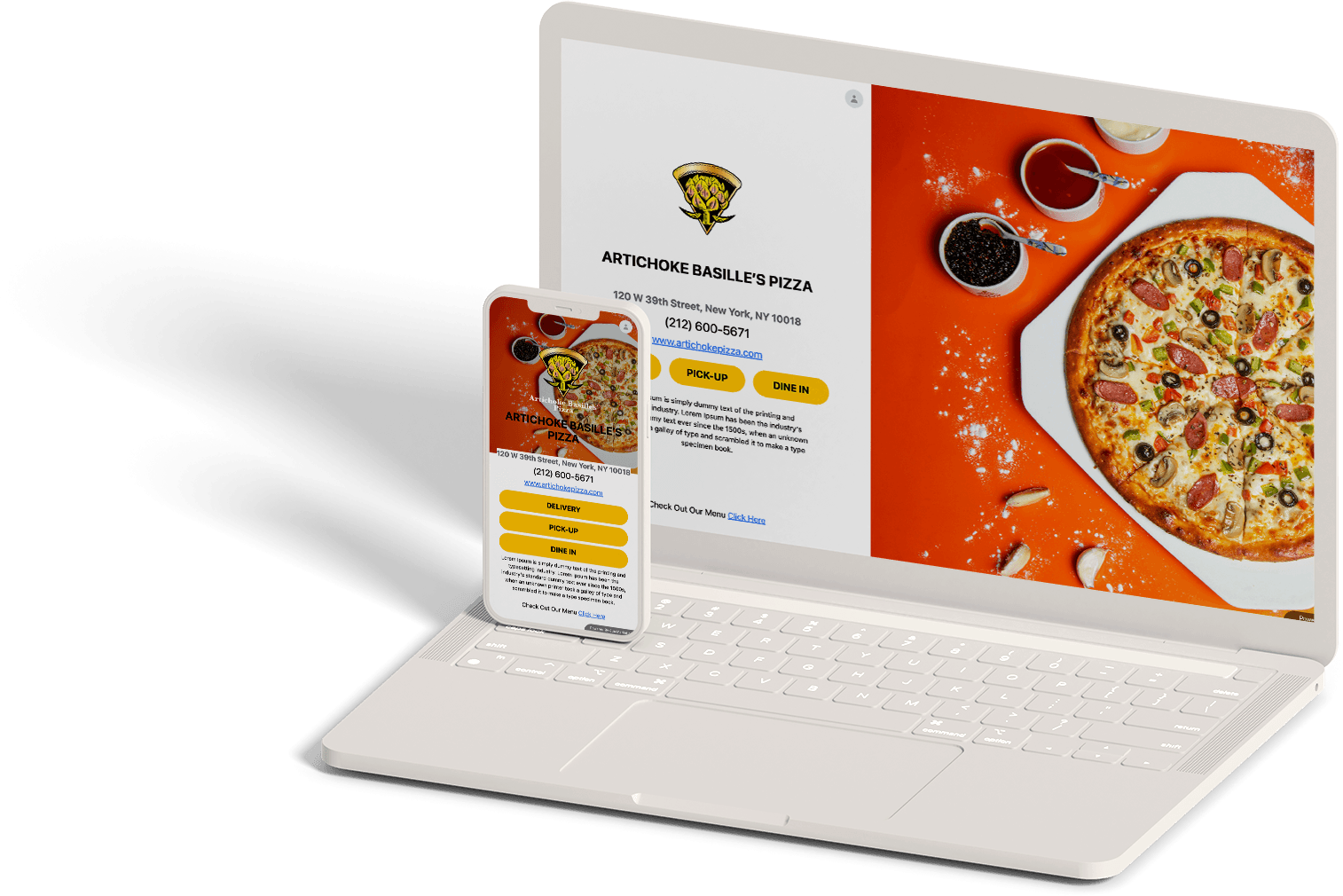
Full-Stack Architecture
Sun Marketing was built to solve the online ordering gap for local restaurants. Rather than using expensive third-party platforms that take heavy margins, this MERN stack architecture empowers restaurant owners to manage their own digital menus, track analytics, accept credit cards, and process orders on dedicated client-owner socket pipes.
Frontend Stack
React.js, Next.js, Redux, Tailwind CSS, Framer Motion, Axios
Backend & DB
Node.js, Express.js, MongoDB, WebSockets, Stripe API, JWT, Nodemailer
Key Features Built
- 01Multi-Tenant Dashboards: Dedicated views for Restaurant Administrators, Cooks, and Customers.
- 02Real-time WS Notifications: Orders placed are routed instantly to the owner's handheld app via WebSockets.
- 03Secure Checkout: Integrates full Stripe webhooks to verify transactions and trigger invoice emails.
- 04Dynamic Menu Management: Restaurant owners can add, delete, or hide menu items instantly without redeploying code.
Ecosystem Workflow
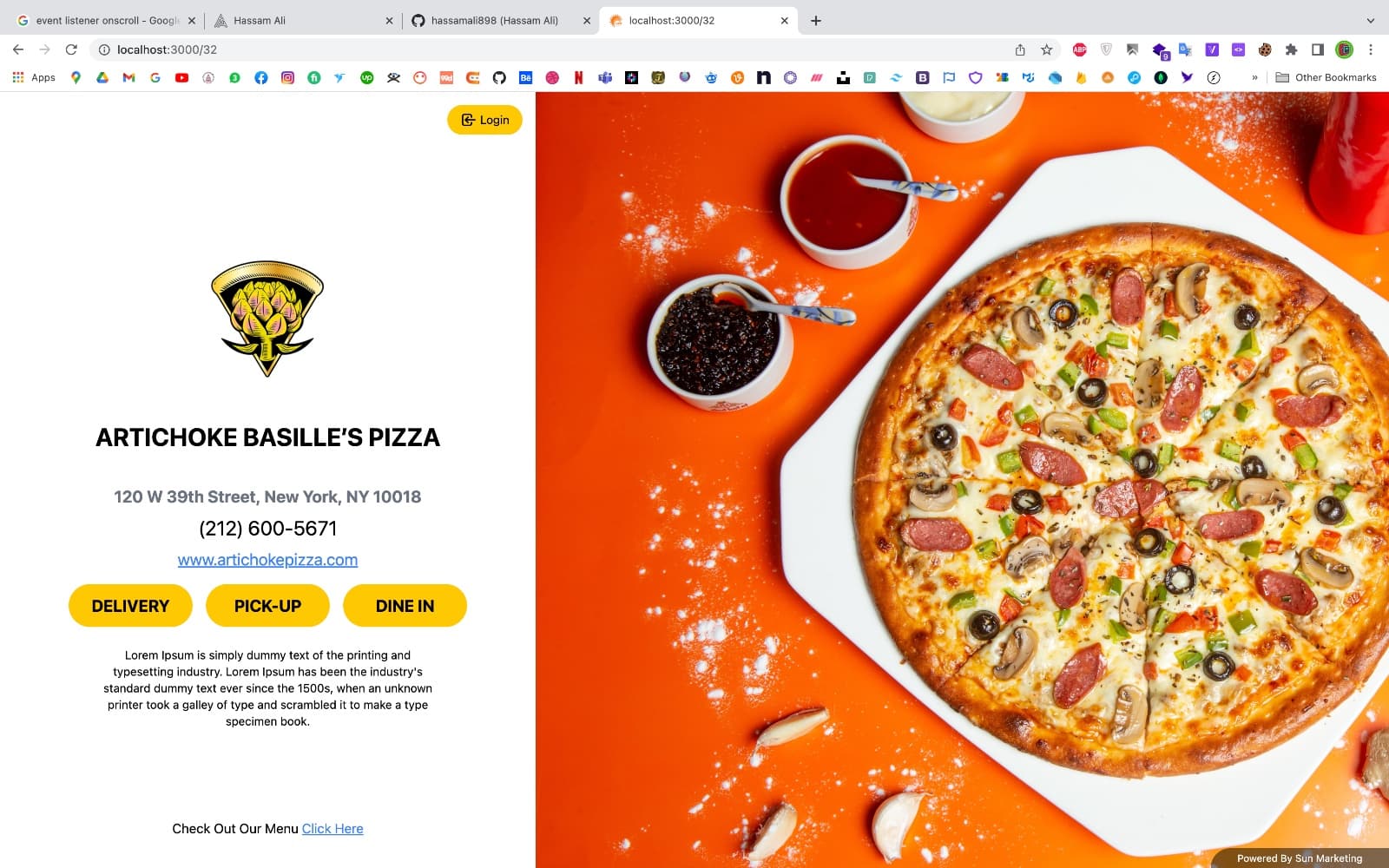
Front Desktop View
The main portal welcome screen for the Artichoke Basille's Pizza platform. Customers are greeted with high-fidelity, full-bleed images of items, clear store working hours, interactive contacts, and direct selectors for pick-up, delivery, or dine-in modes.
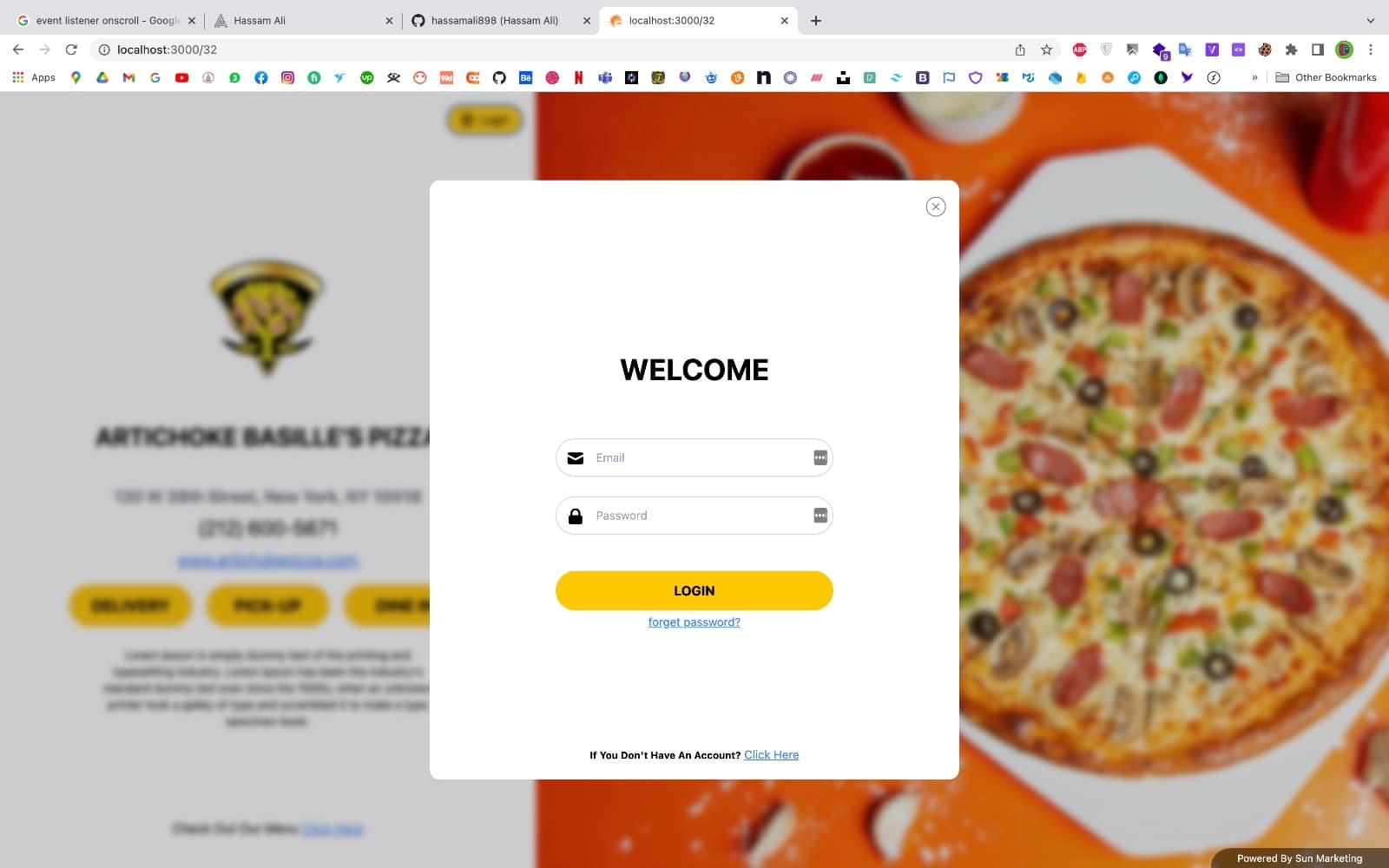
Login Page
A secure sign-in panel designed to capture and validate credentials. Customers can securely authorize, retrieve past order receipts, verify contact parameters, and proceed to cart confirmations without authentication friction.
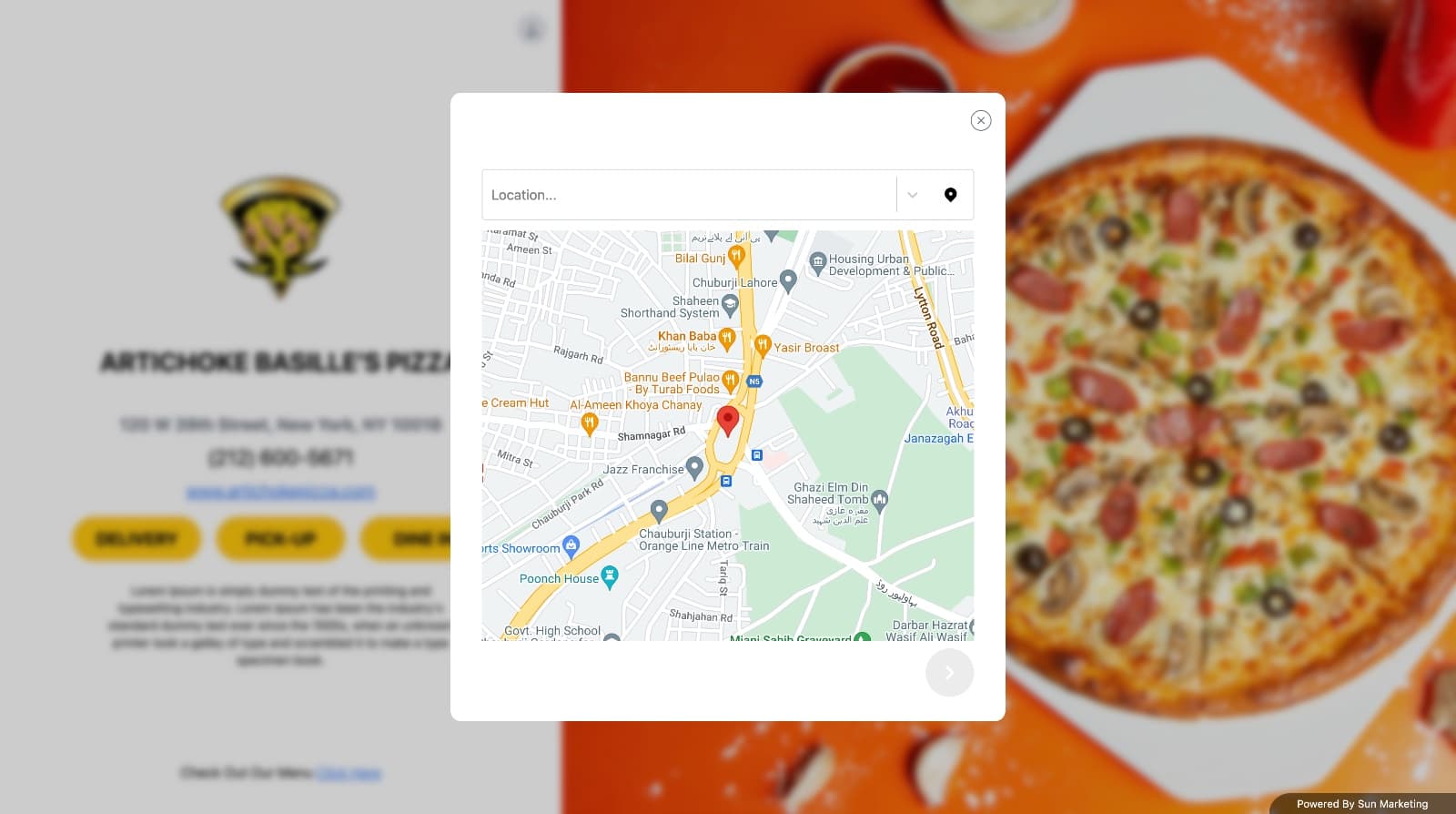
Location Selector
An address mapping selector utilizing Google Maps autocomplete search inputs. Customers type and choose their precise delivery coordinates, prompting the system to calculate approximate travel periods and verify kitchen delivery boundaries.
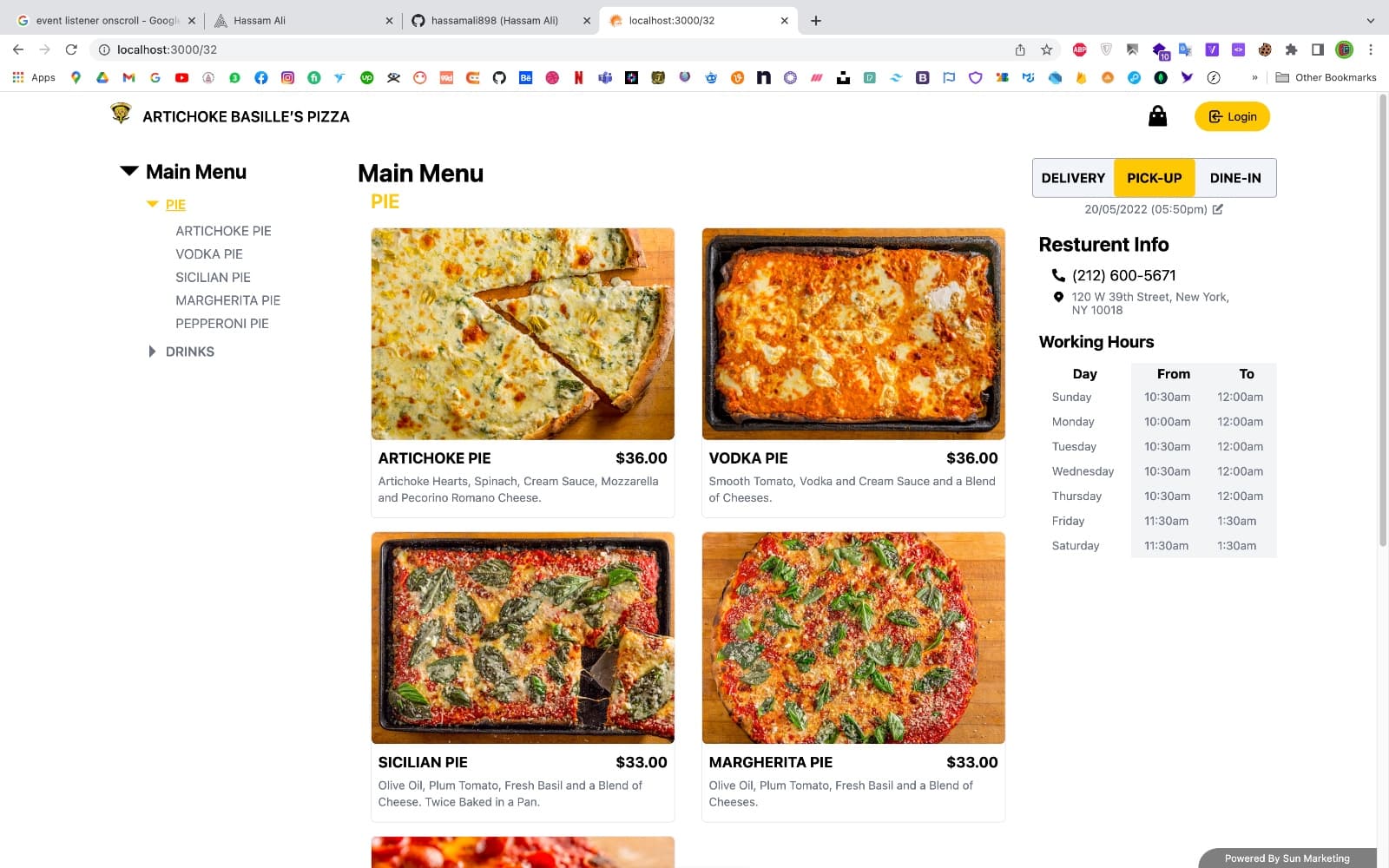
Menu Selection
The central e-commerce layout showing available items like Vodka Pie. Features clean card blocks with description details, prices, and clear add action buttons.
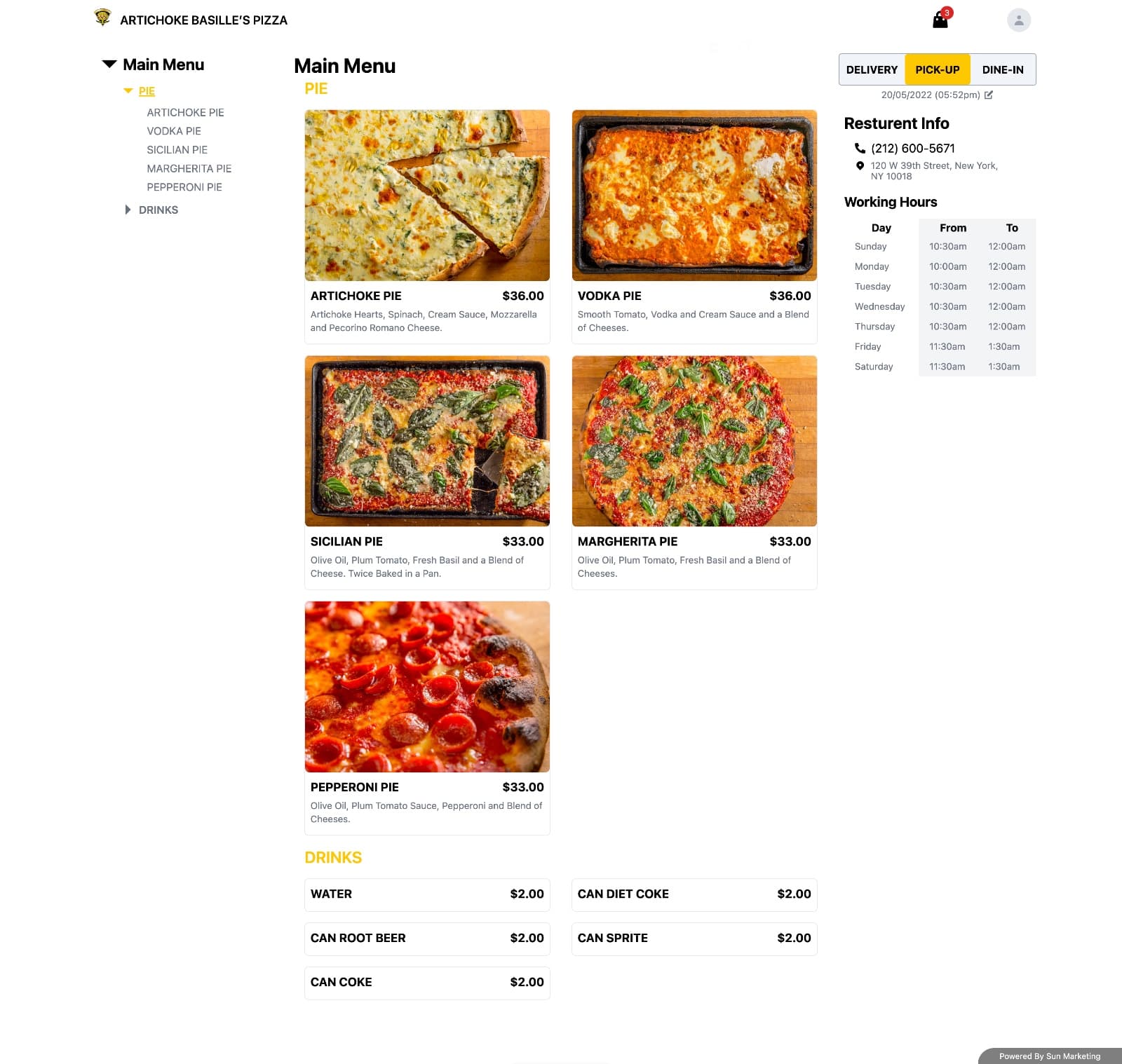
Menu Filtering
The categorization dashboard containing instant sidebar menu filters. Allows clients to toggle selections (Pizzas, Drinks, Sides) immediately, adapting the list items dynamically for a smooth shopping path.
Add To Cart Options
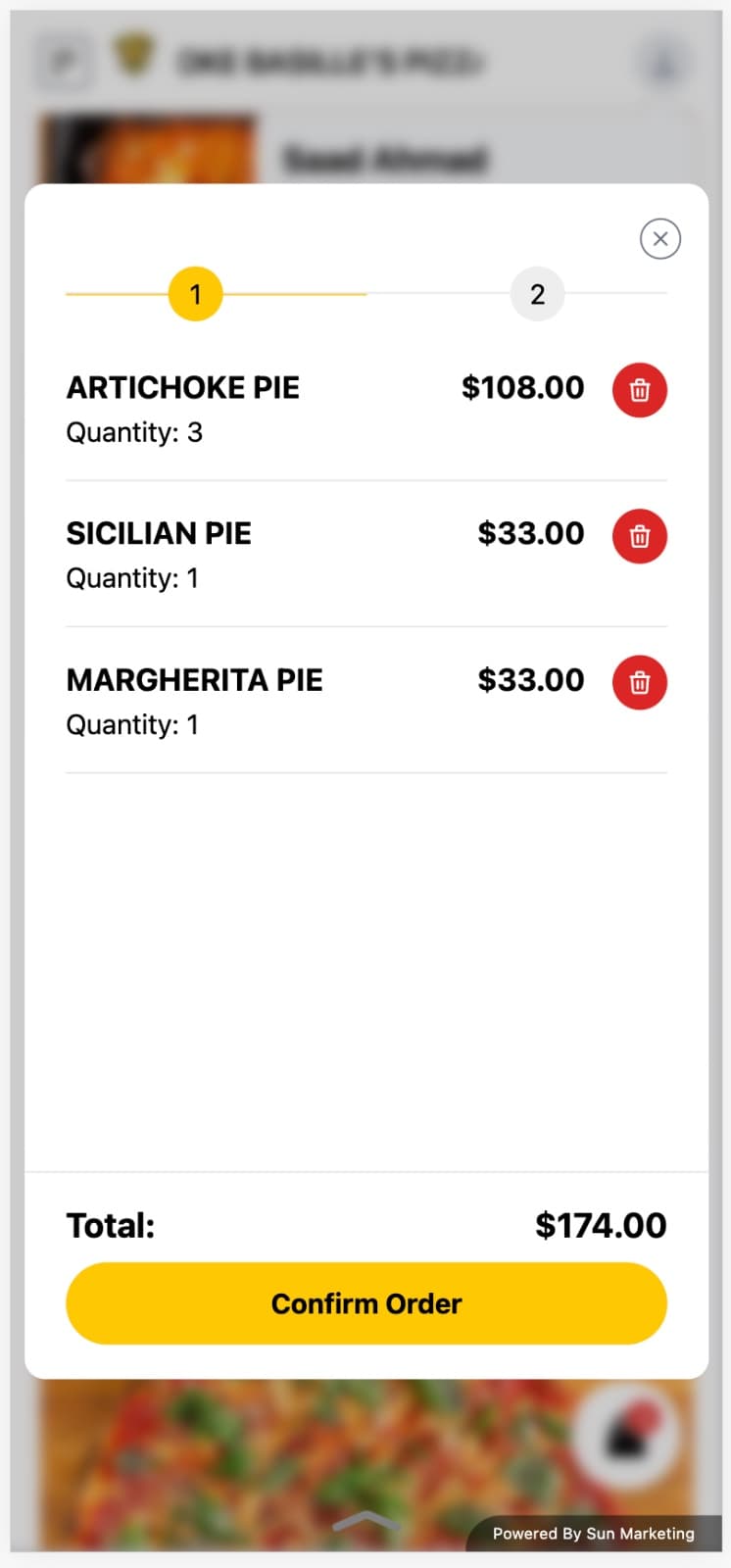
Custom selection overlays and cart drawer details. Customers can customize pie ingredients, choose quantity counts, and review prices inside a slide-out cart sidebar displaying active calculations.
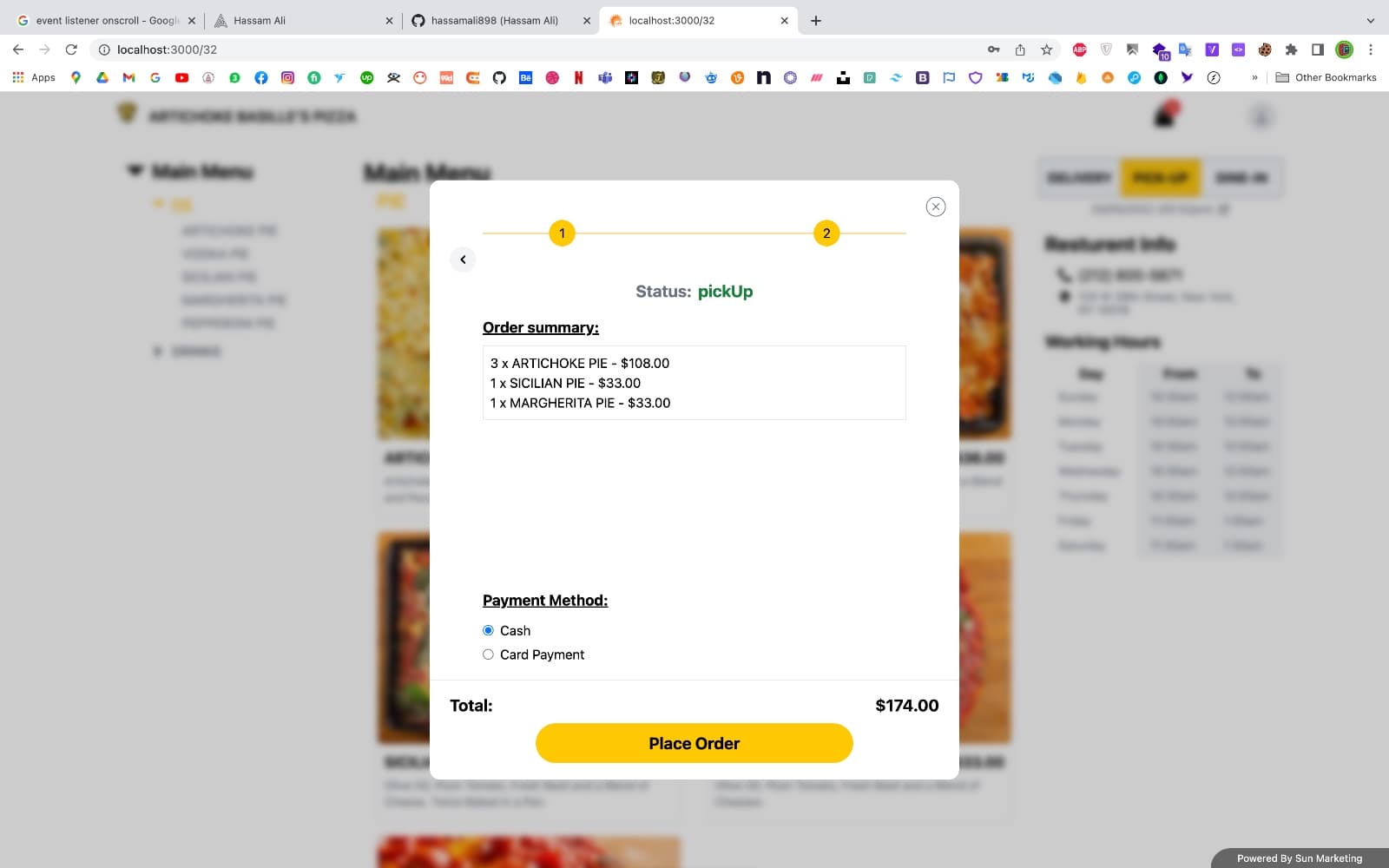
Place Order Status
A tracking interface that displays order preparation. Leverages live WebSocket notifications to route placed orders instantly to the kitchen tablet app, updating status coordinates (Preparing, Out for delivery) on client viewports in real-time.
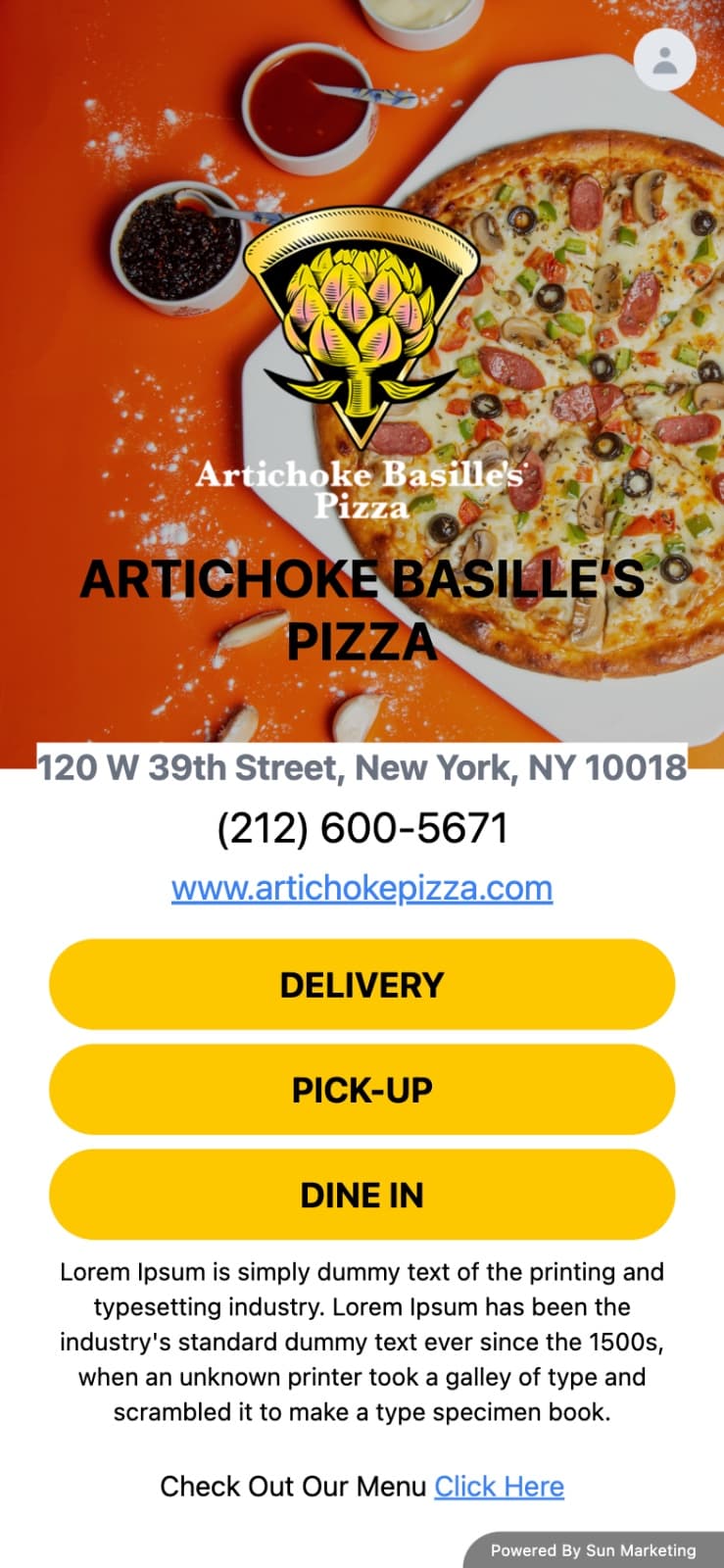
Mobile Store & Owner Dashboard
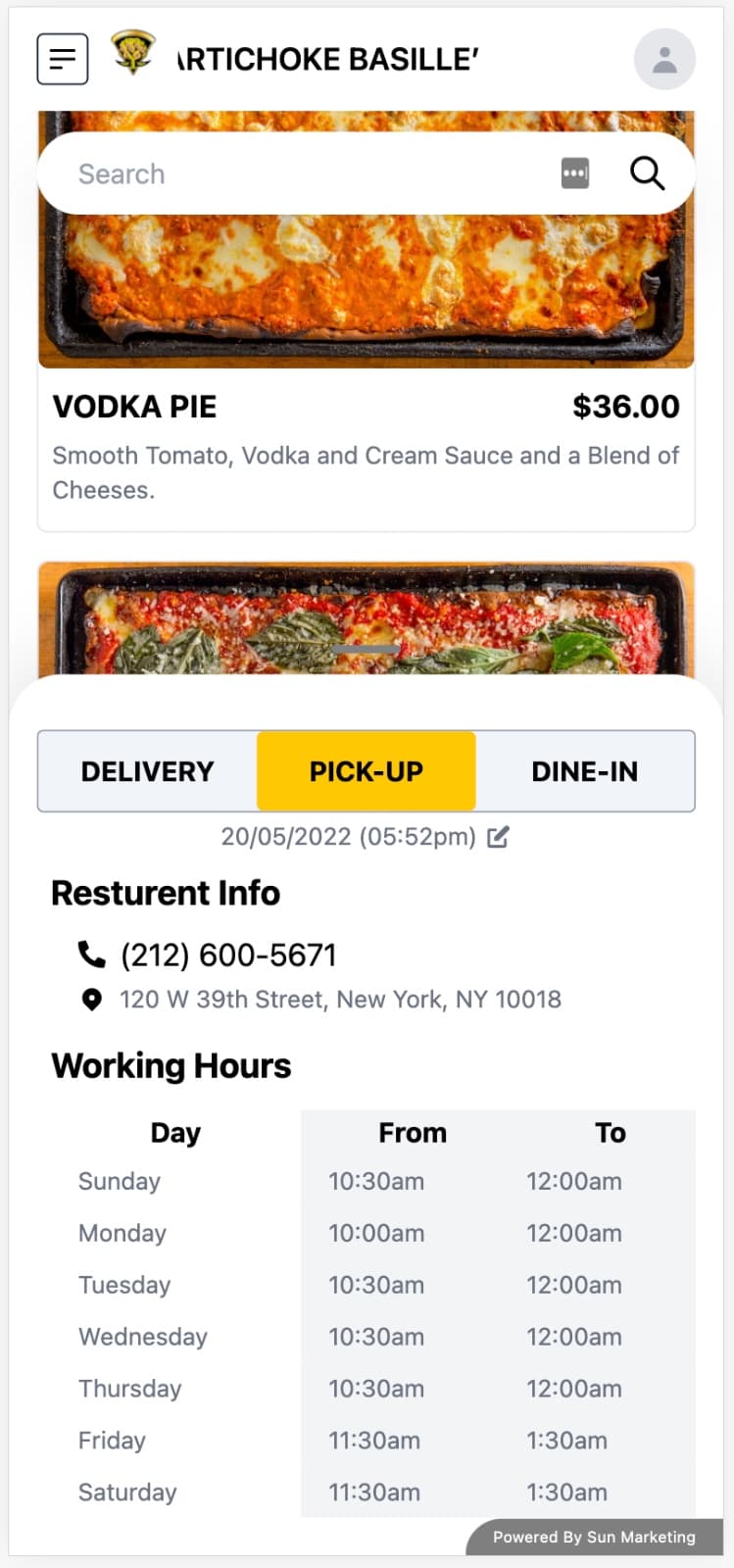
Designed a high-conversion checkout flow and store administration dashboard to coordinate catalog files, active payments, and order dispatches.
Tailwind-Powered Adaptability
Fluid layout classes scale elements instantly from ultra-wide displays down to small mobile viewports.
Thumb-Zone Optimization
Interactions, input triggers, and checkout CTAs are designed with spacing constraints to guarantee effortless tap controls.
Real-time State Syncing
Order summaries and cooking timelines update instantly without requiring page refreshes.
Touch-First Navigation
Responsive menus and dialog triggers respond to swipes and gestures on iOS and Android platforms.
Live View Mobile scrolling View

Engineering Challenges
Managing real-time order states across unstable network conditions required implementing strict client reconnection protocols and redundant queue management. Using WebSocket fallback streams, we guaranteed that restaurant kitchen workers would never miss an incoming order even during peak internet traffic periods.